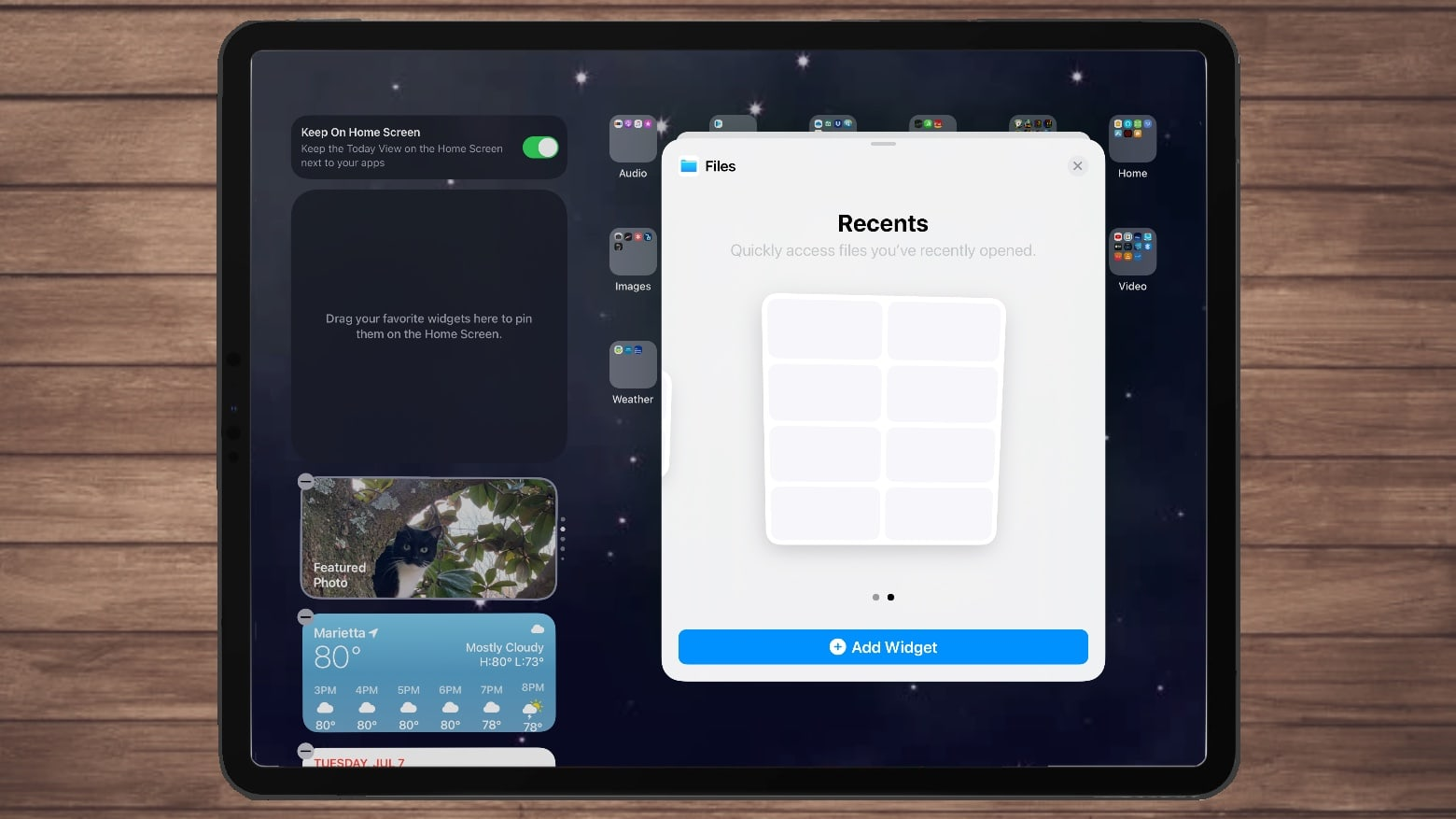
On the 16th of September 2020, Apple released the highly anticipated iOS 14 update to much fanfare from users of Apple devices. At a glance, the update provided a wealth of refreshing new features and UI tweaks that make the overall experience smoother.
For example, telephone calls no longer take up the entire screen, there was the inclusion of a new app library and one of the most noted features was the inclusion of the redesign of the home screen for more in-depth widgets.
One of the best things to come out of the new iOS 14 update is the swaths of new productivity widgets that have been added by various different app developers. With these widgets, it has become easier to track things like time, tasks, and projects, keep on top of the weather, and maintain your mental health. Productivity apps for mac os are also in development adding to the overall value of the Apple ecosystem.
ClimaCell Weather Assistant
ClimaCell Weather Assistant is already one of the best third-party weather apps on the market right now, with their advanced Weather of Things (WoT) technology that improves reporting accuracy by combining traditional data with connected devices that includes cell towers, drones, and more. In addition, the app’s hyperlocal reporting feature allows you to get forecast information on areas as small as a city block.
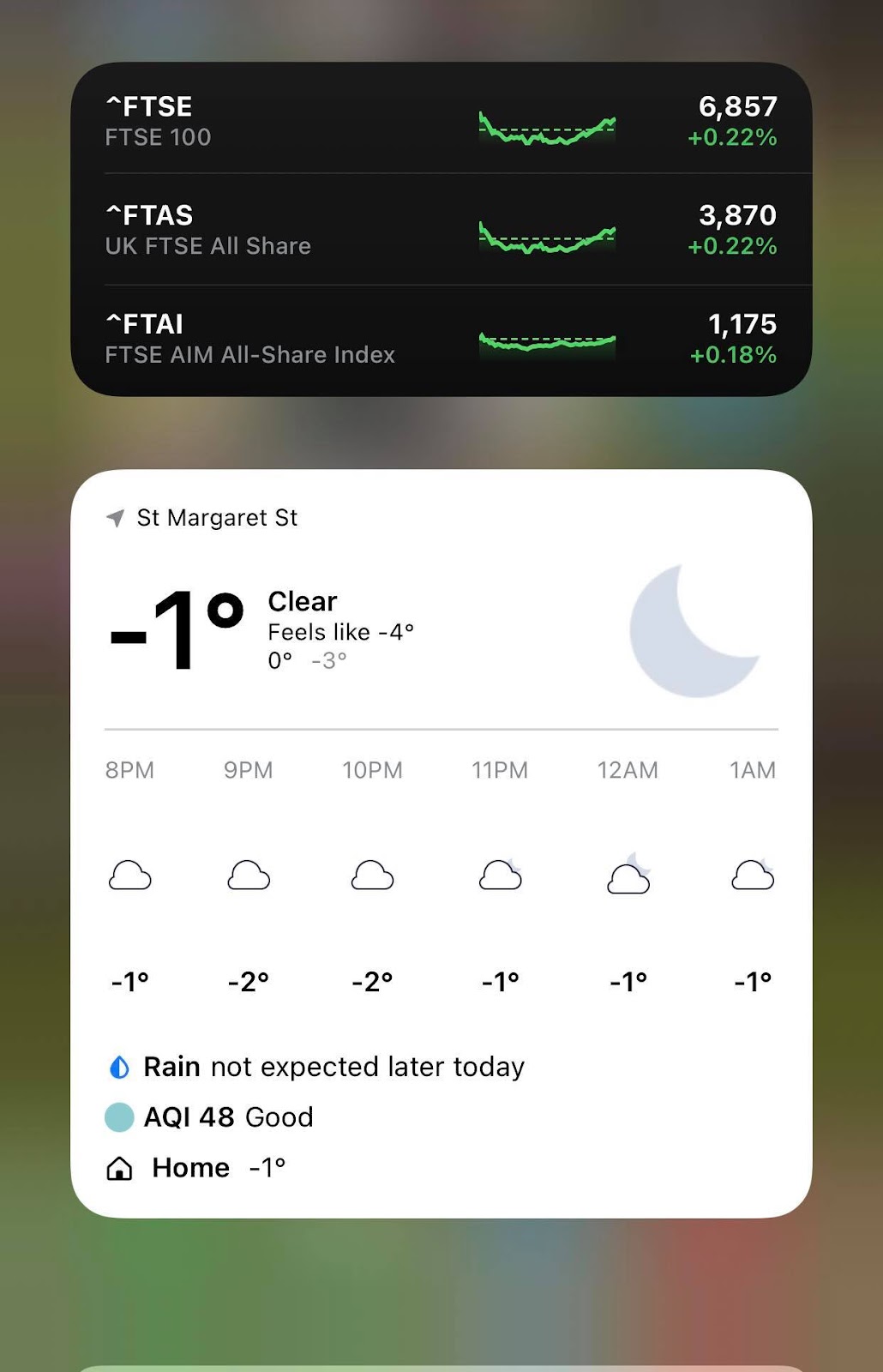
Now, with the release of iOS 14, ClimaCell Weather Assistant has become even more convenient, with their powerful widgets being available on your home screen. With their widget, you can choose between the real-time forecast, hourly forecast, daily forecast, and information on daily air quality so that the information is readily available to you. This is really handy if you need to make quick decisions based on the weather at a glance.
Fantastical
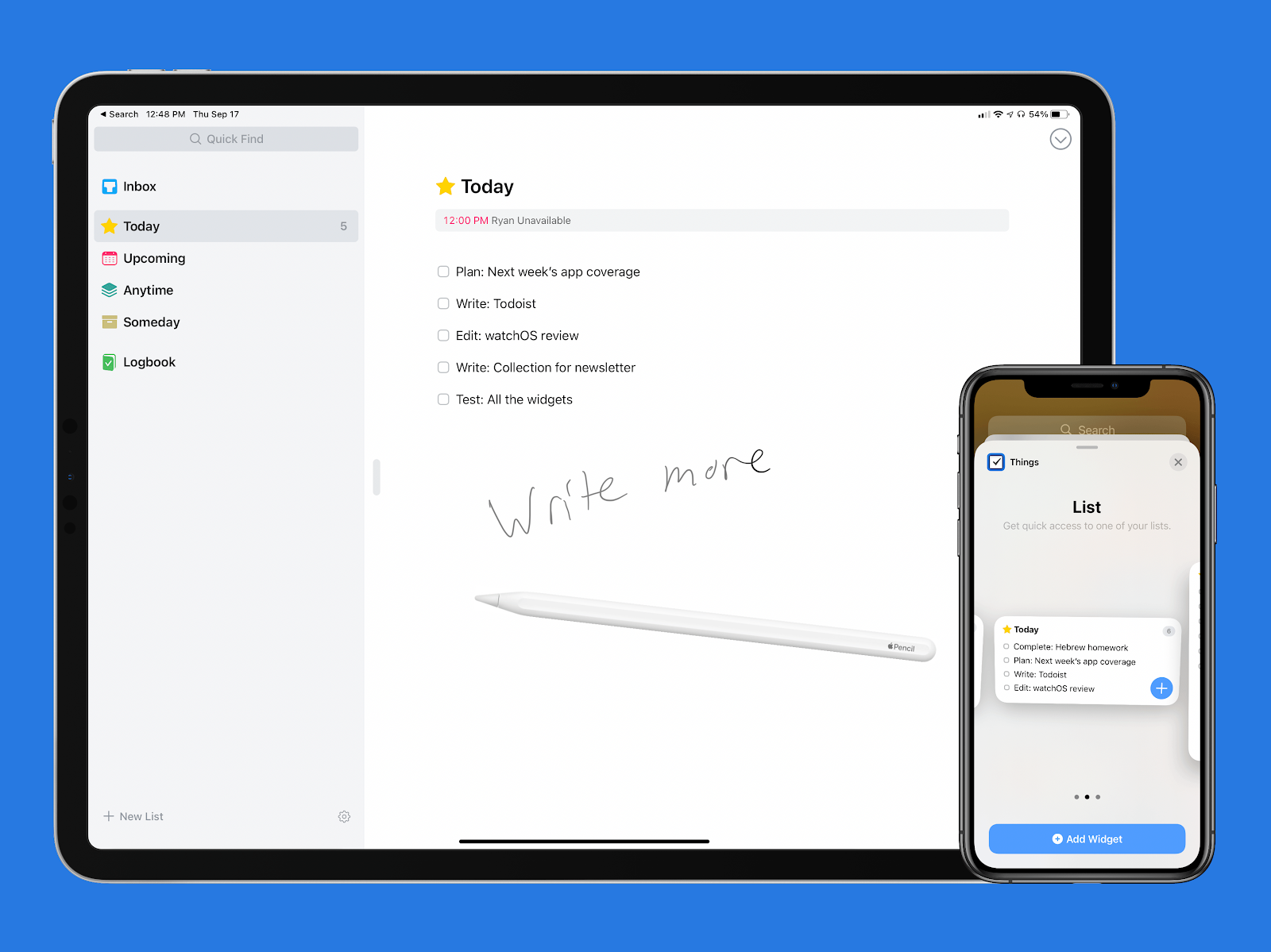
Overall, Fantastical has delivered a trove of home screen widgets, with more than ten available for use. It would take a long time to cover all of them, but they range from simply showing the current date, keeping tabs on your upcoming tasks and any events that you need to go to, and a nifty little widget called Scribble, which allows you to take notes using a stylus, which is then converted into text on iPadOS 14. The best thing about these widgets is that they are all free to use, although some advanced features do require a subscription.
Spark
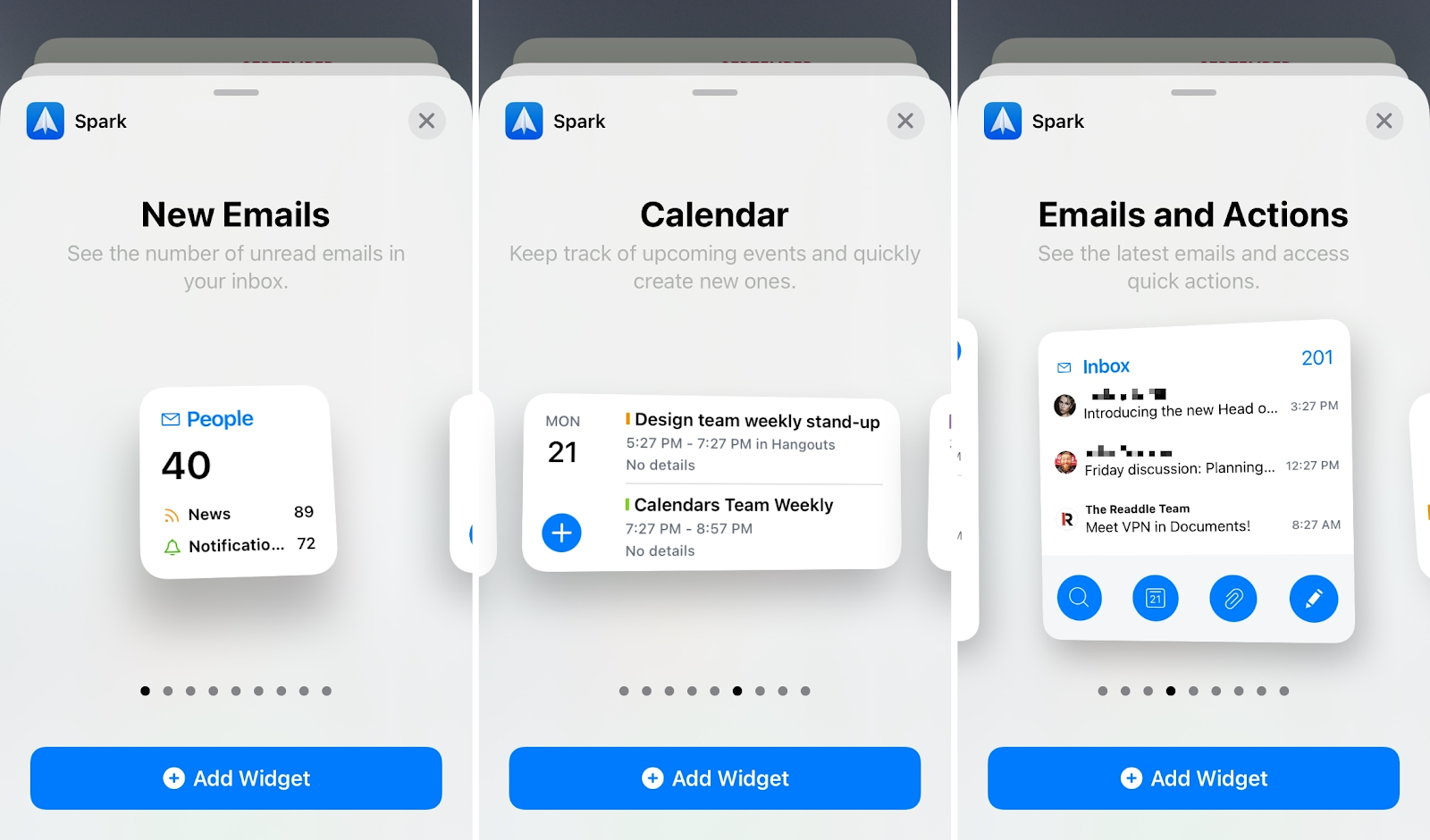
Spark was already an incredibly popular choice as an iOS email app, but their new iOS 14 widget update led to the release of nine different widgets with the two smallest showing you your unread email total and the other giving a countdown to the next event you have listed in your calendar. The larger ones have more in-depth features, such as showing your most recent emails, a calendar timeline, listed events, an inbox search functionality, and the ability to actually write an email. Spark’s iOS 14 widget makes it much easier to manage your email inbox.
Things 3
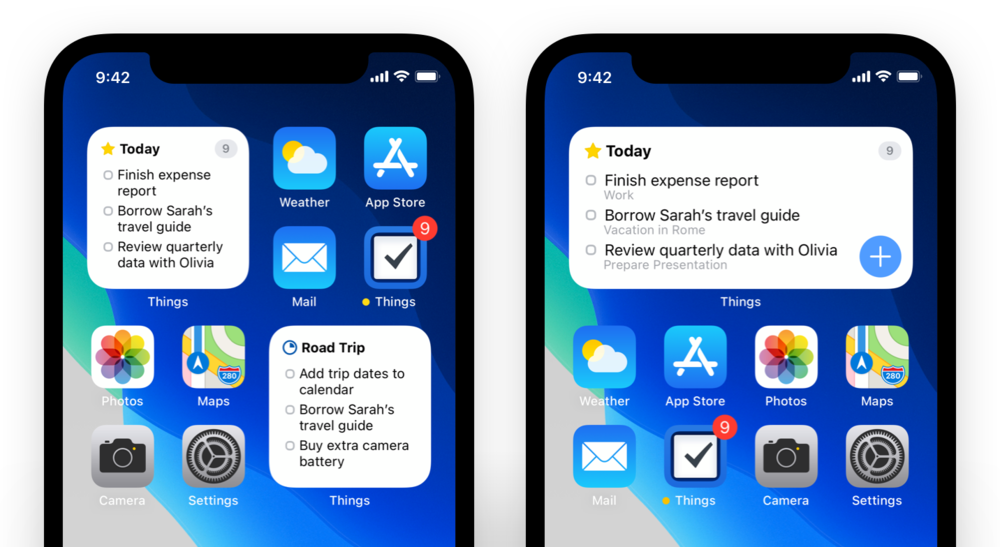
The app, Things 3 has also released their own iOS 14 widget updates, providing users with an attractive and simplistic way to check your to-do list so you can keep on top of your daily tasks, have a look at what you have to do tomorrow and check your inbox to see who’s been contacting you. You can have the widget in three different sizes, meaning that depending on the importance of your upcoming tasks, you can have them listed in a non-intrusive manner, or in a big bold display that captures your attention.
Headspace
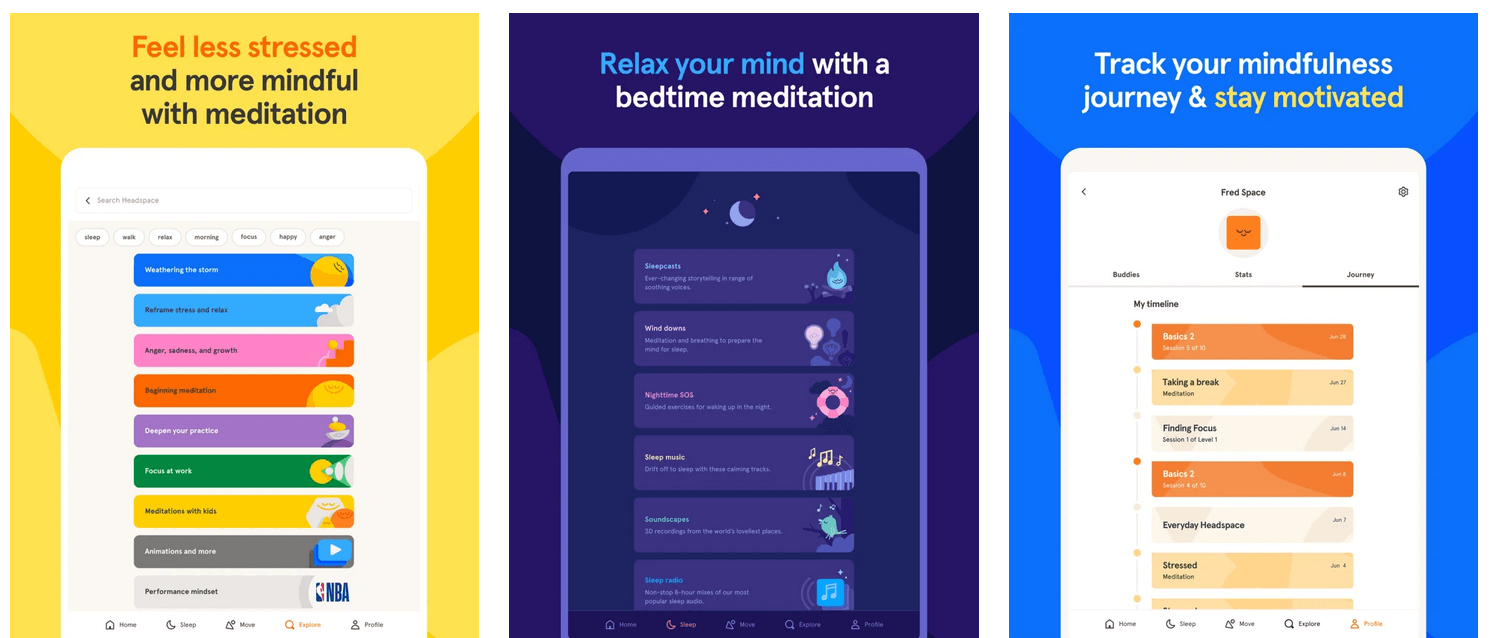
Sometimes, the best way to be productive and ensure that you avoid the debilitating effects of burnout is to relax. Headspace is well-known for using meditation and other mindfulness techniques to help people to unwind and maintain their productivity, and the widget helps to do that even more so. This widget promotes various mindfulness exercises for different times of the day and builds on top of what is already a very useful app for productivity.
GoodTask
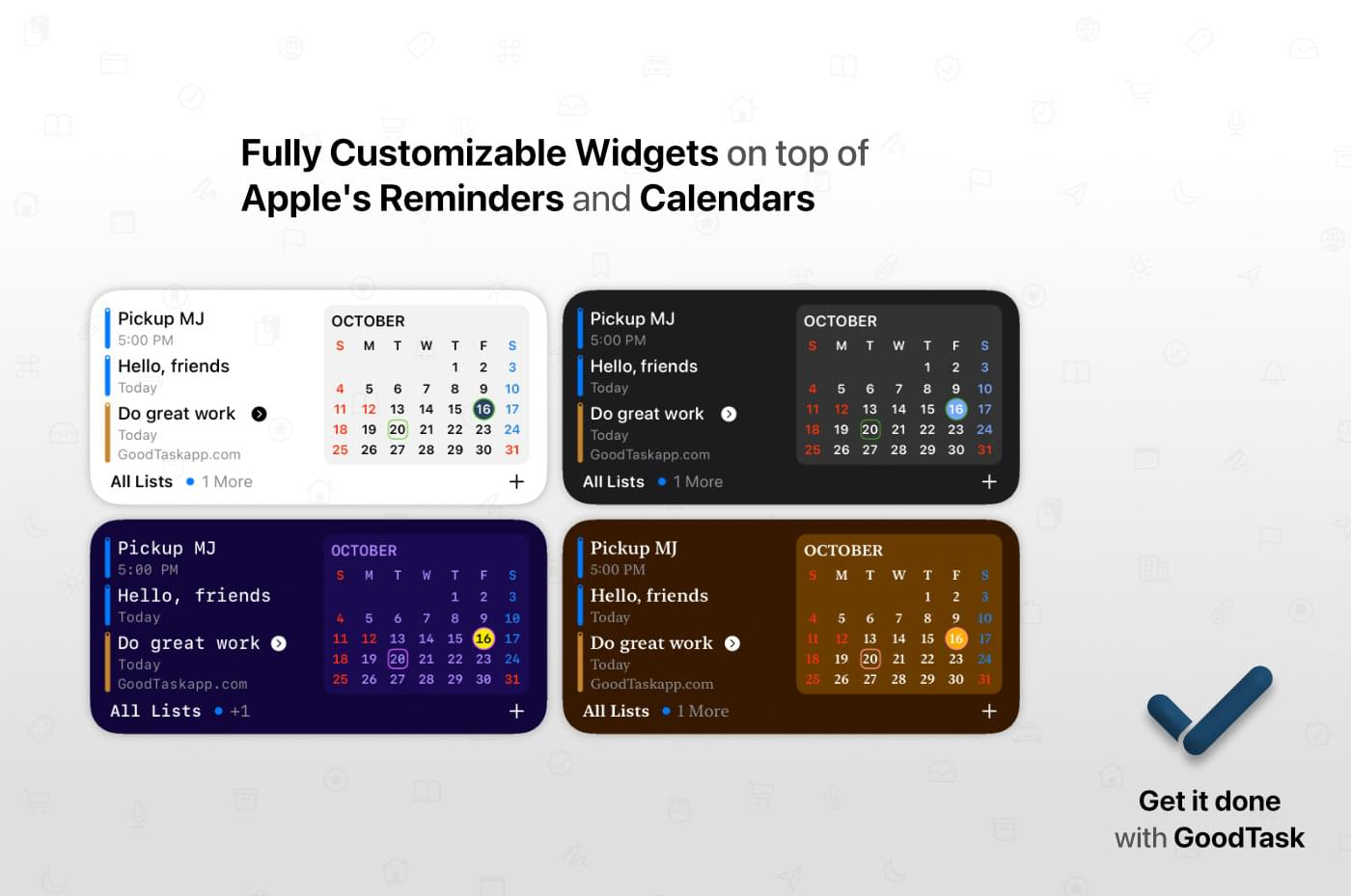
GoodTask is a handy and customizable widget that can be used to create smart task lists, calendars to keep track of your events, and the ability to add “favorites” for tasks that you do often. Not only do you get a functional and effective way to manage your day, but you can also customize the widgets to your own liking, choosing from an array of different themes and color palettes so that your task list is always pleasant to look at. No matter how cluttered it may get.
Motivation-Daily Quotes
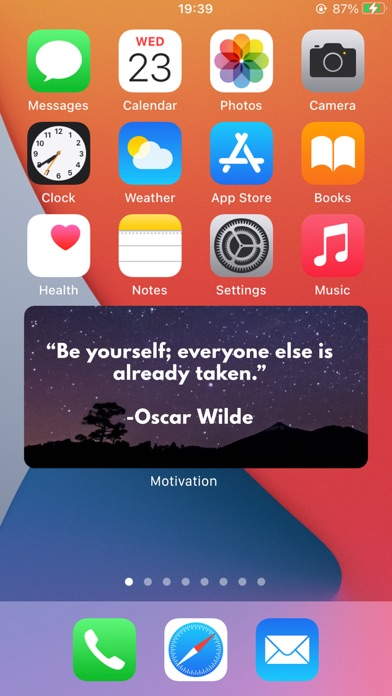
With 2020 being probably the worst year in recent memory by far, it’s not surprising that some people will need a little bit of a boost to get them through an equally grim looking year. Motivation-Daily Quotes has a wonderfully designed iOS 14 widget that will dispense motivational quotes to you, with more being generated from well-known figures on a daily basis, depending on what you’re into and your own personal goals. It may not be strictly “productive”, but it can help to take some of the weight off.
Day One
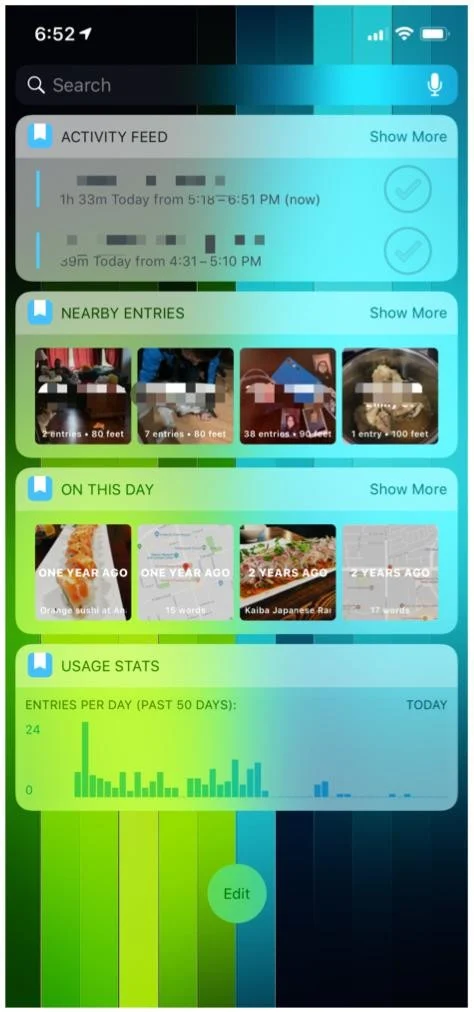
Day One is a great app with a really useful widget for those that love to write in their journal, be it for creative purposes or simply to keep a log of their days for mindfulness. You can track past entries in your journal, get ideas for entries if you’re stumped, or even go back in retrospect and add new entries for the past week by using the widget to get into the app quickly.
 .
.
(iMore)
SmartGym
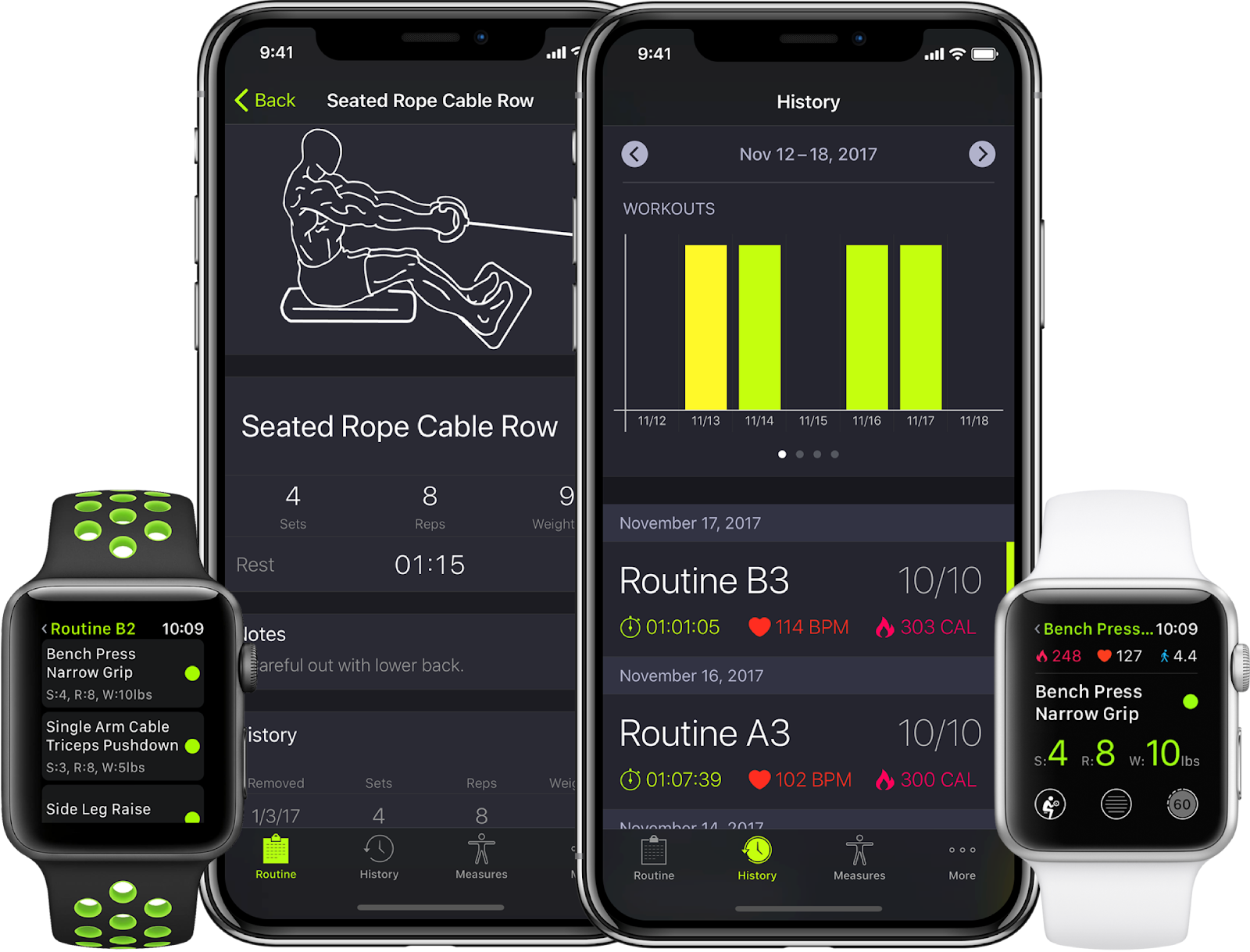
It can be challenging to maintain your motivation to stay in shape at the best of times, and with a worldwide pandemic, it can be even more difficult to do so. Thankfully, SmartGym has developed its iOS 14 widget that allows you to track your workouts with a weekly training schedule, a more simplified system, and a more appealing set of visuals. The real kicker is that you can get motivational quotes to move you off the couch! If you want to burn some of the lockdown lard, SmartGym may be a great pickup for you!
(SmartGym)
Files
Despite the fact that this is one of the only two items on this list that comes stock with any iOS 14 compatible device, it cannot be overlooked due to the sheer simplicity and convenience that it provides. Using the standard file manager for most iOS devices, in my opinion, is a slog and it can take some time for you to find the files that you need. Thankfully, this handy widget allows you to rapidly bring up all of your recently used and opened files right on your home screen. This saves time and stress.